Uni-Stores
How To Use
(Requires modded 3ds, or emulator)
- Goto/get Universal-Updater.
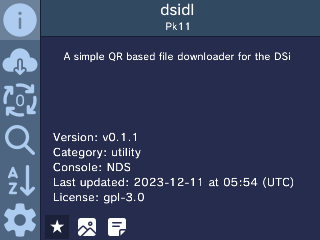
- Goto settings at the bottom left corner.
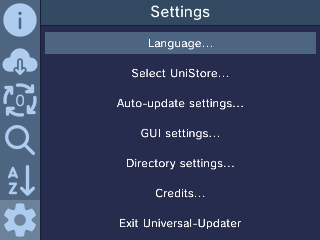
- Goto “Select UniStore…”
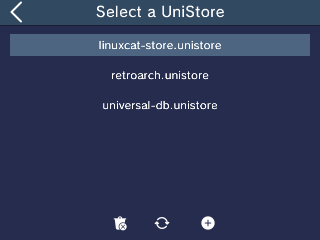
- Hit the + button on the bottom
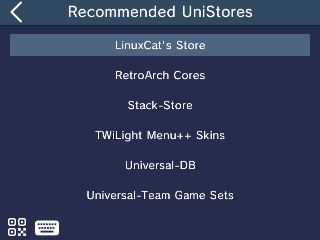
- Hit the Keyboard icon
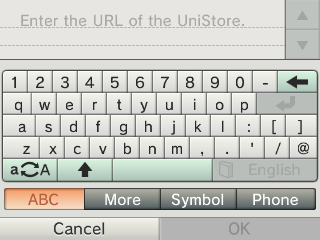
- Put in the url for the UniStore that you want in the follow in list
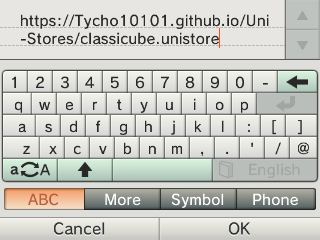
| Name | Url |
|---|---|
| classicube.unistore | https://Tycho10101.github.io/Uni-Stores/classicube.unistore |